Record one good take.
Post it everywhere.
Capture yourself playing with any class-compliant USB audio interface, mix the take against your backing track, auto-master to social loudness, and export straight to a vertical video — all on your Android phone or tablet.
Android 10+ · Works with USB audio interfaces · Free to try
Everything from take to post
Built for musicians who want a clean recording without a laptop.
Any USB audio interface
Works with class-compliant UAC devices. Record input 1, input 2, or both in stereo.
Automatic A/V sync
Audio and video start times are timestamped and aligned on export, so your take stays in sync.
Multitrack mix
Volume, EQ, reverb, compressor and per-channel pan for the take and your backing track.
Stereo monitoring
Hear inputs 1 and 2 as left and right, with a pan/balance control for your headphones.
One-button auto-master
Loudness-normalised to social targets (-14 LUFS) with a true-peak ceiling.
Straight to social video
Export a vertical video with your mastered mix, up to 4K on supported devices, ready for Shorts, Reels and TikTok.
Screenshots
Phone and tablet layouts.
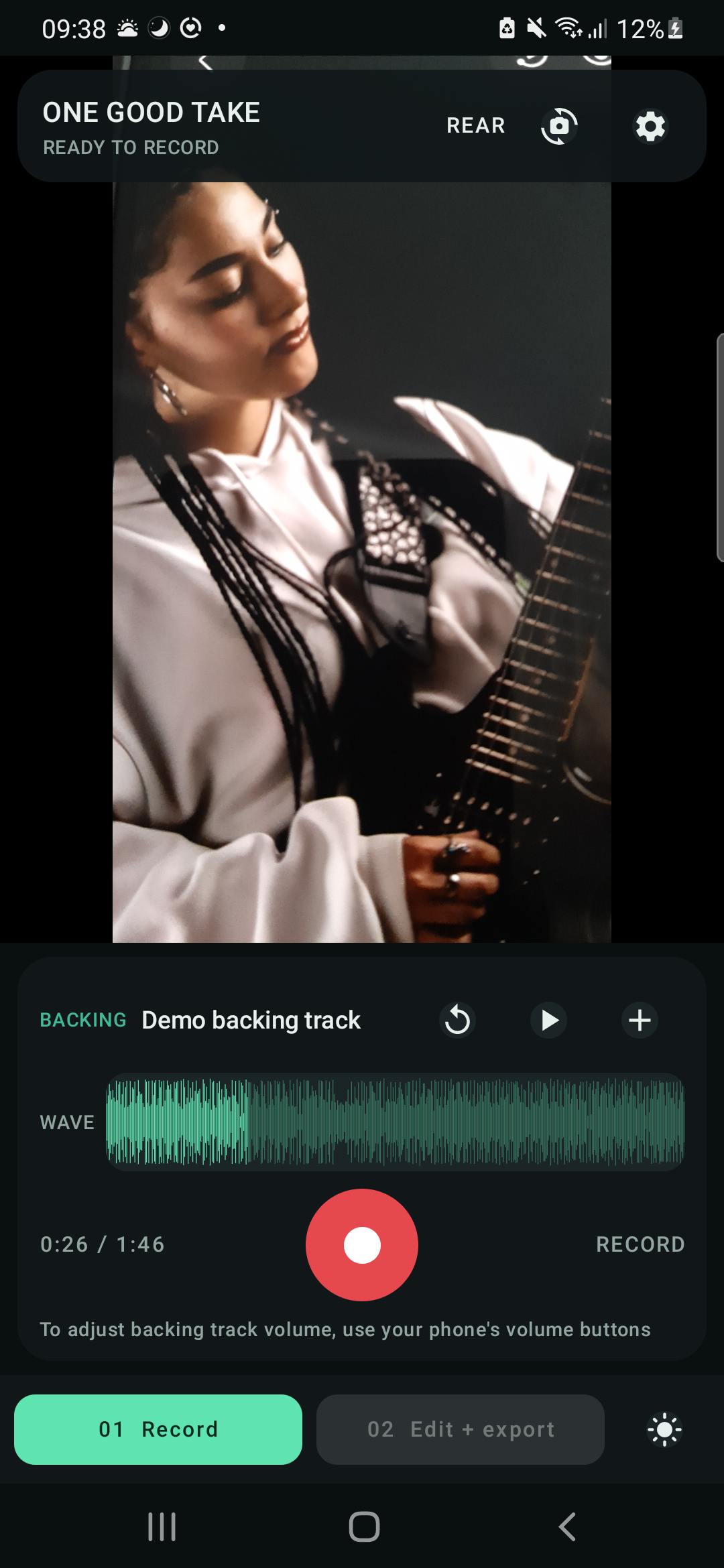
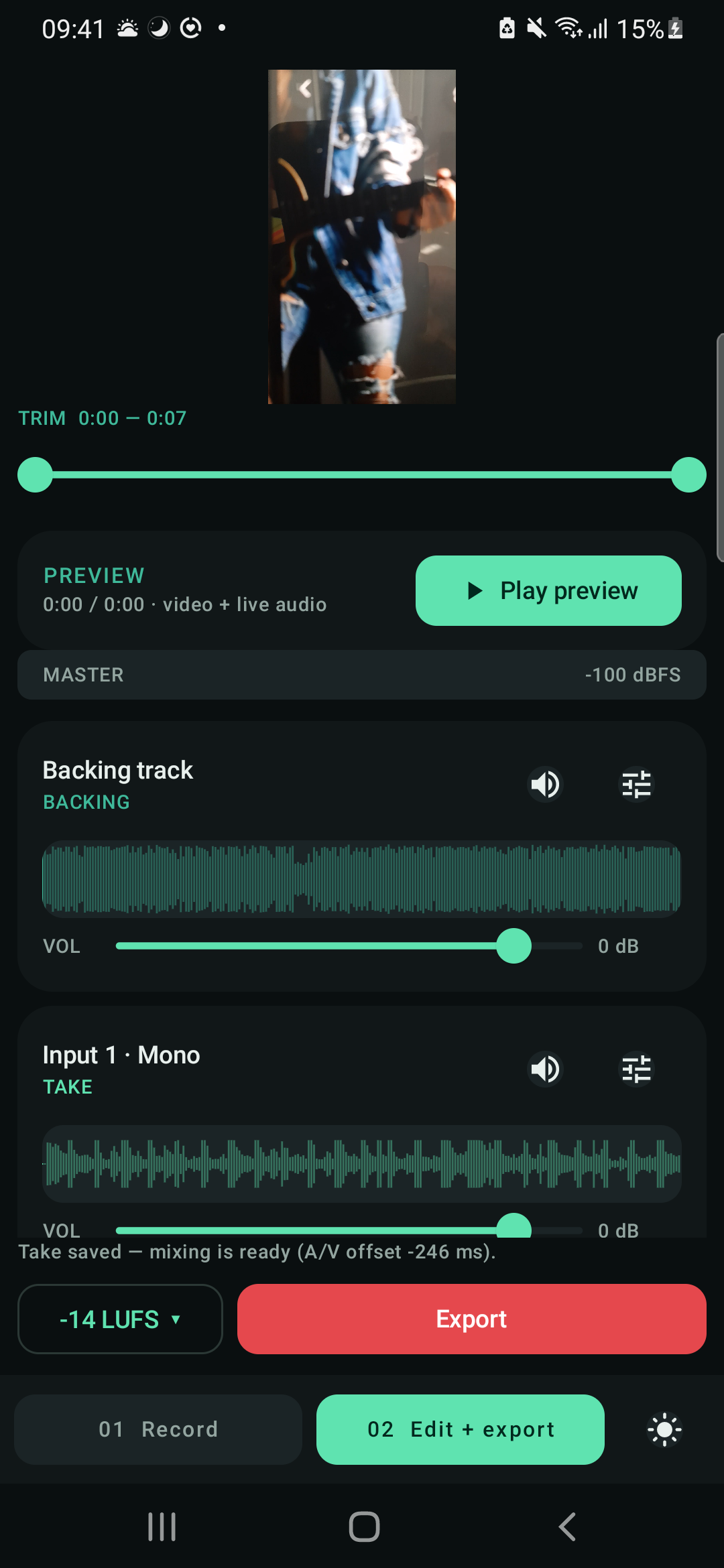
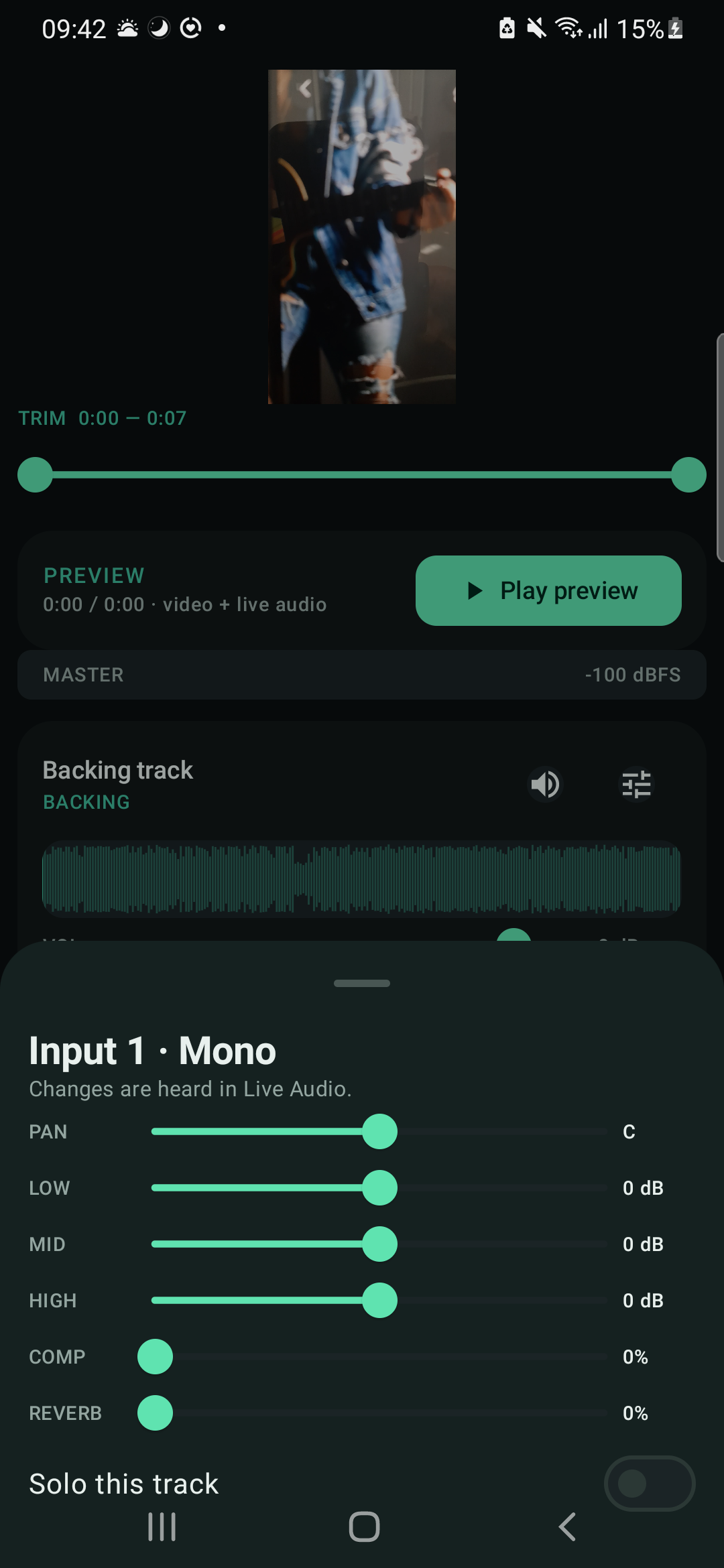
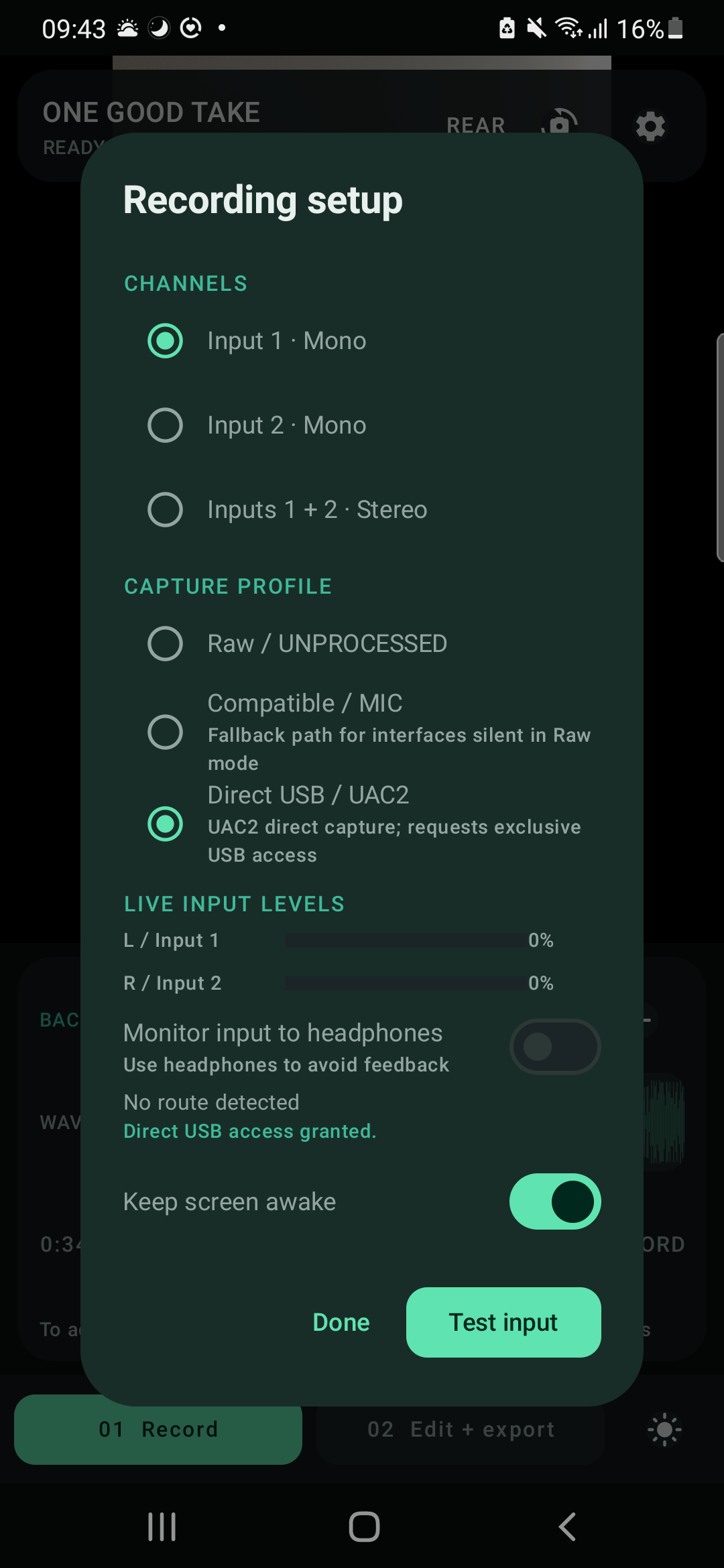
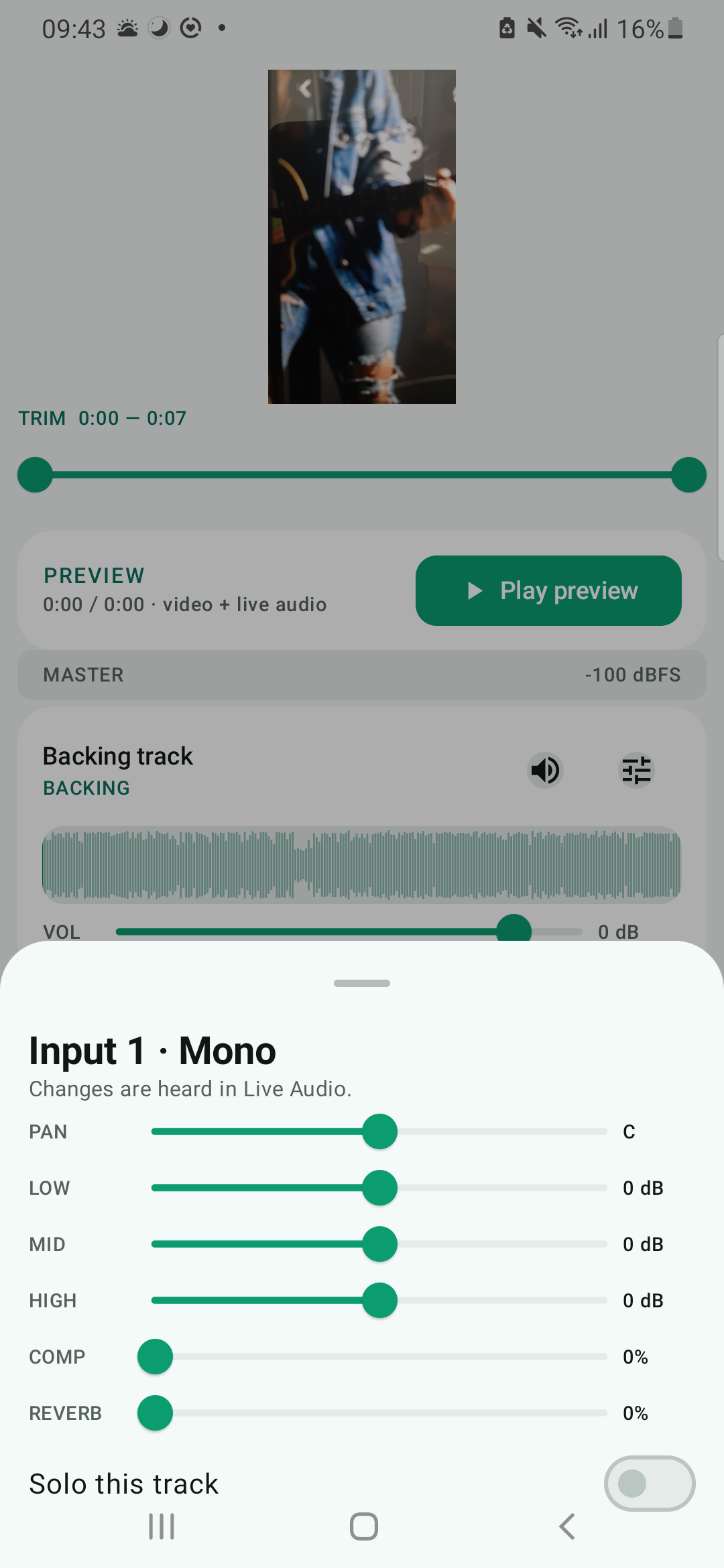
Phone captures. Scroll horizontally.
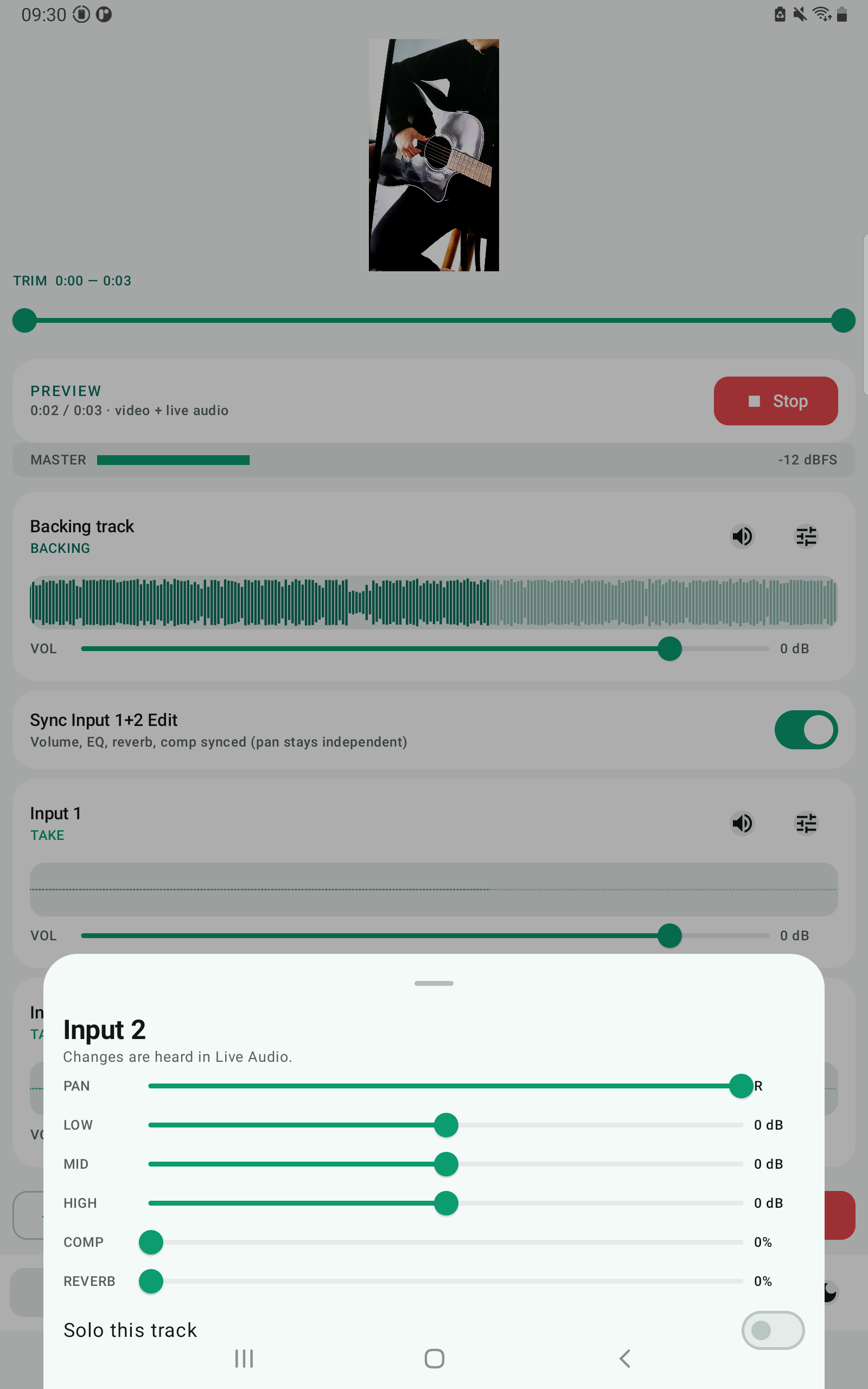
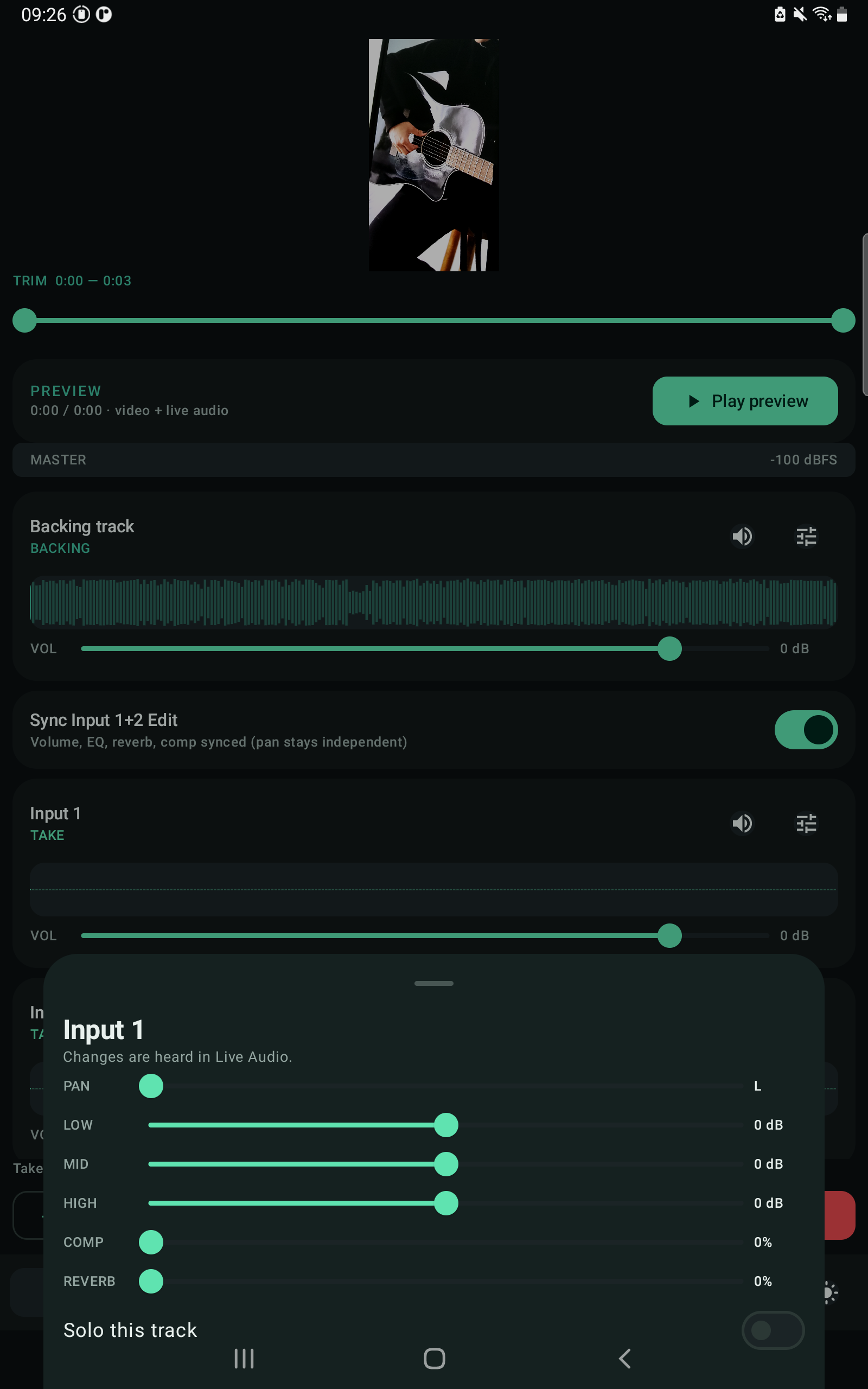
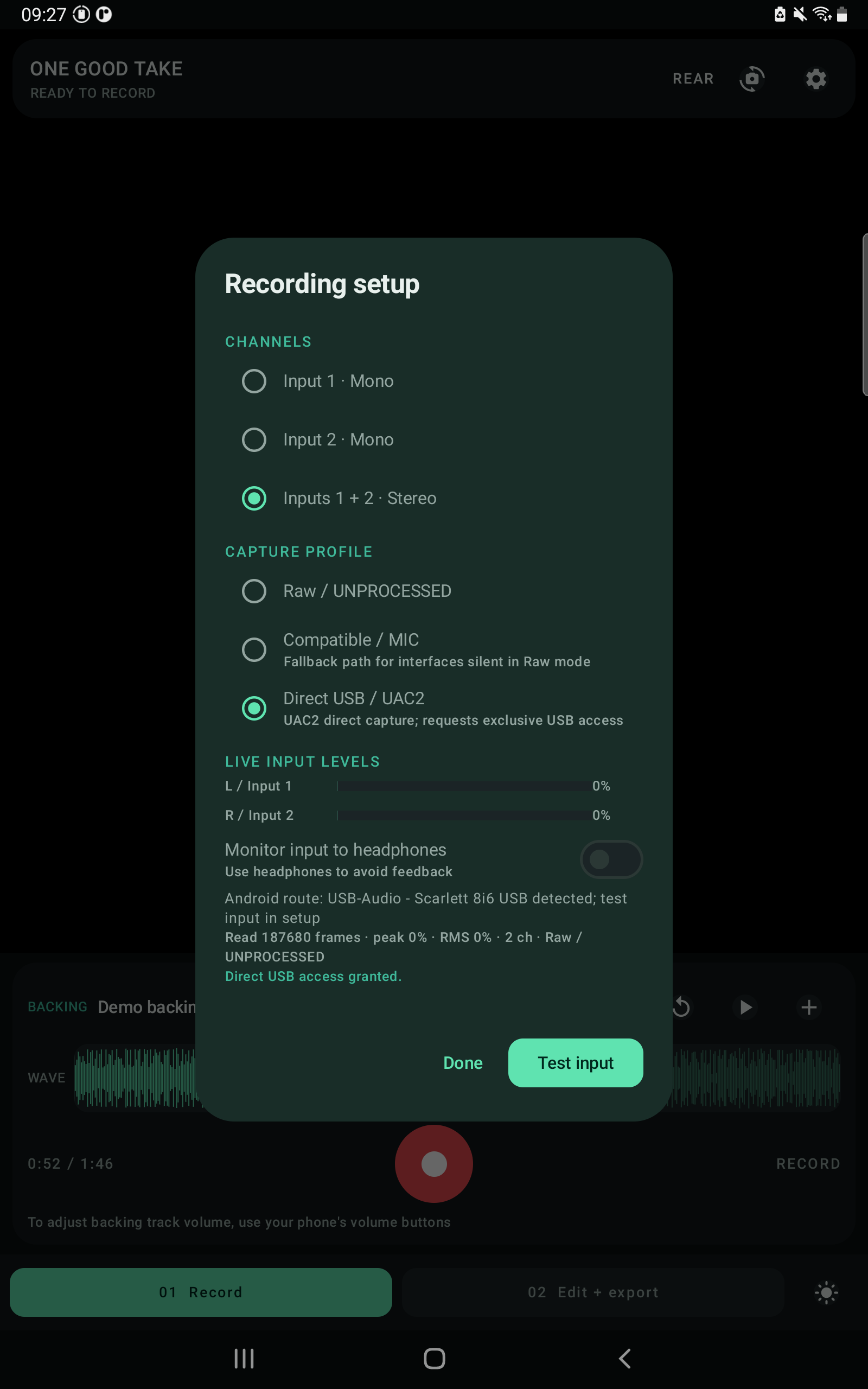
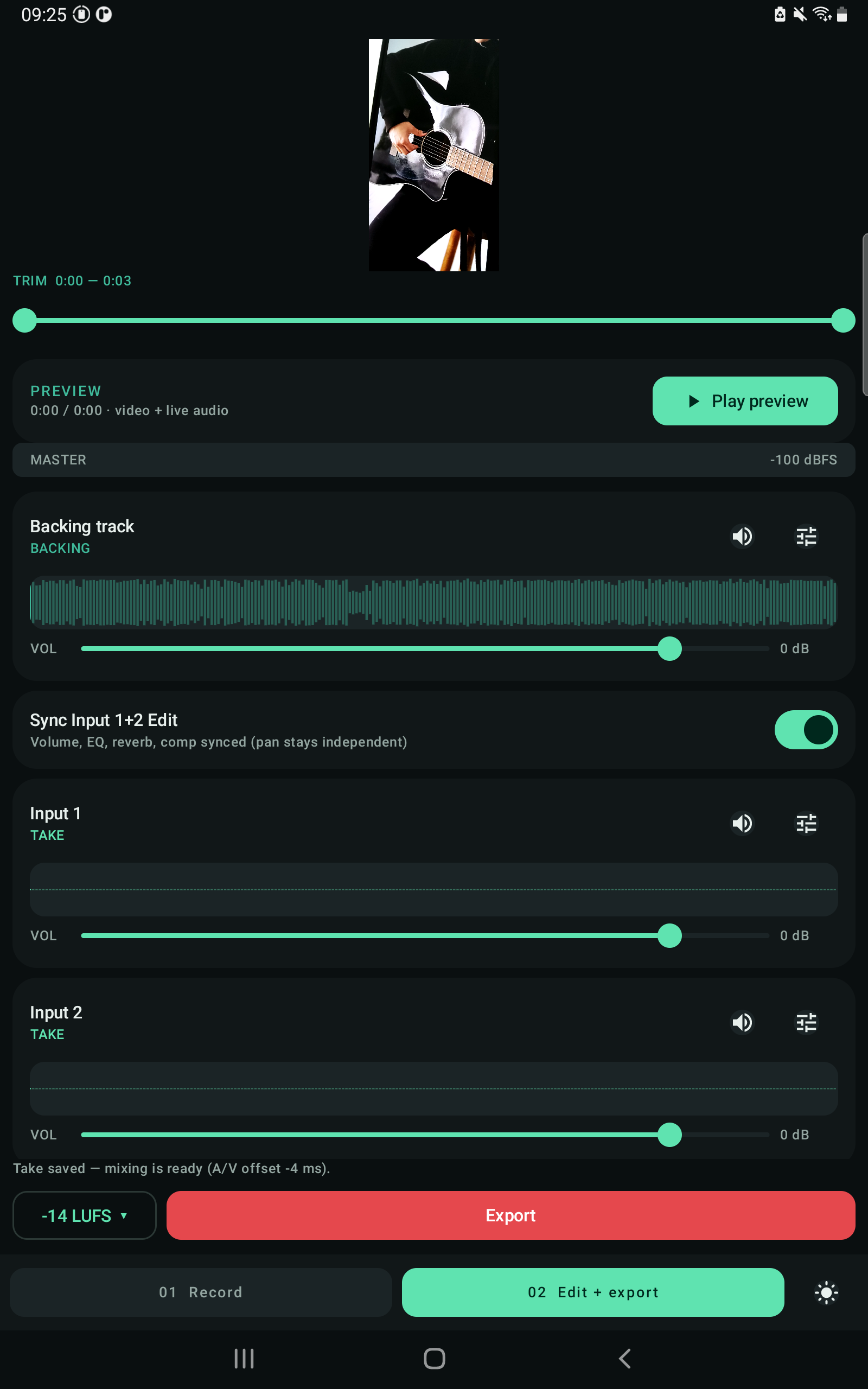
Tablet captures. Scroll horizontally.
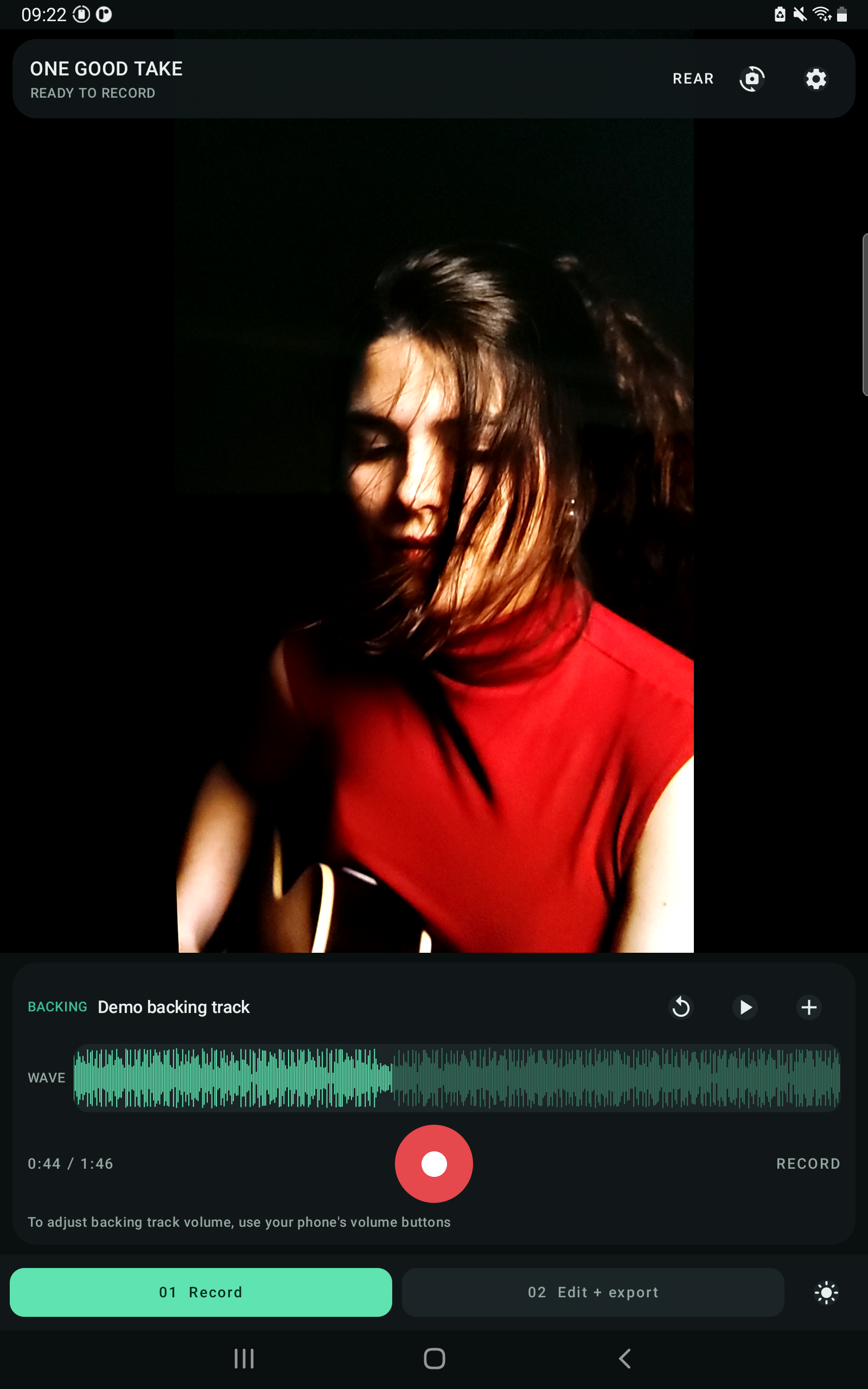
Screenshots from the app.
Free and open source
The app is free to download and use. If it helps you, consider supporting development.
- Record with any USB audio interface
- Multitrack mix, EQ, reverb, pan
- Auto-master preview
- Export up to 1080p / 4K (device-dependent)
- Everything in Free
- No watermark
- 1080p and 4K export (device-dependent)
- Full-resolution social video
Questions
Which audio interfaces work?
Any class-compliant UAC1/UAC2 USB audio interface. Some interfaces need to be set to class-compliant mode; vendor-specific modes are not supported.
Why is my take out of sync?
The app timestamps when audio and video actually start and aligns them on export automatically. If you still notice drift over long takes, check that your interface is locked to 48 kHz.
Can I hear the stereo effects from my multi-effects unit?
Yes. Record inputs 1+2 in stereo and enable headphone monitoring: input 1 goes left and input 2 goes right. Use the monitor pan control to fine-tune the balance.
Does the app collect my data?
No. Recordings stay on your device. There are no accounts, ads or analytics. See the privacy policy for details.
What Android version do I need?
Android 10 or newer.
Support
Questions, bugs or feature requests? Get in touch.
Contact
Use the contact page and mention “One Good Take”.